Create grouping rules
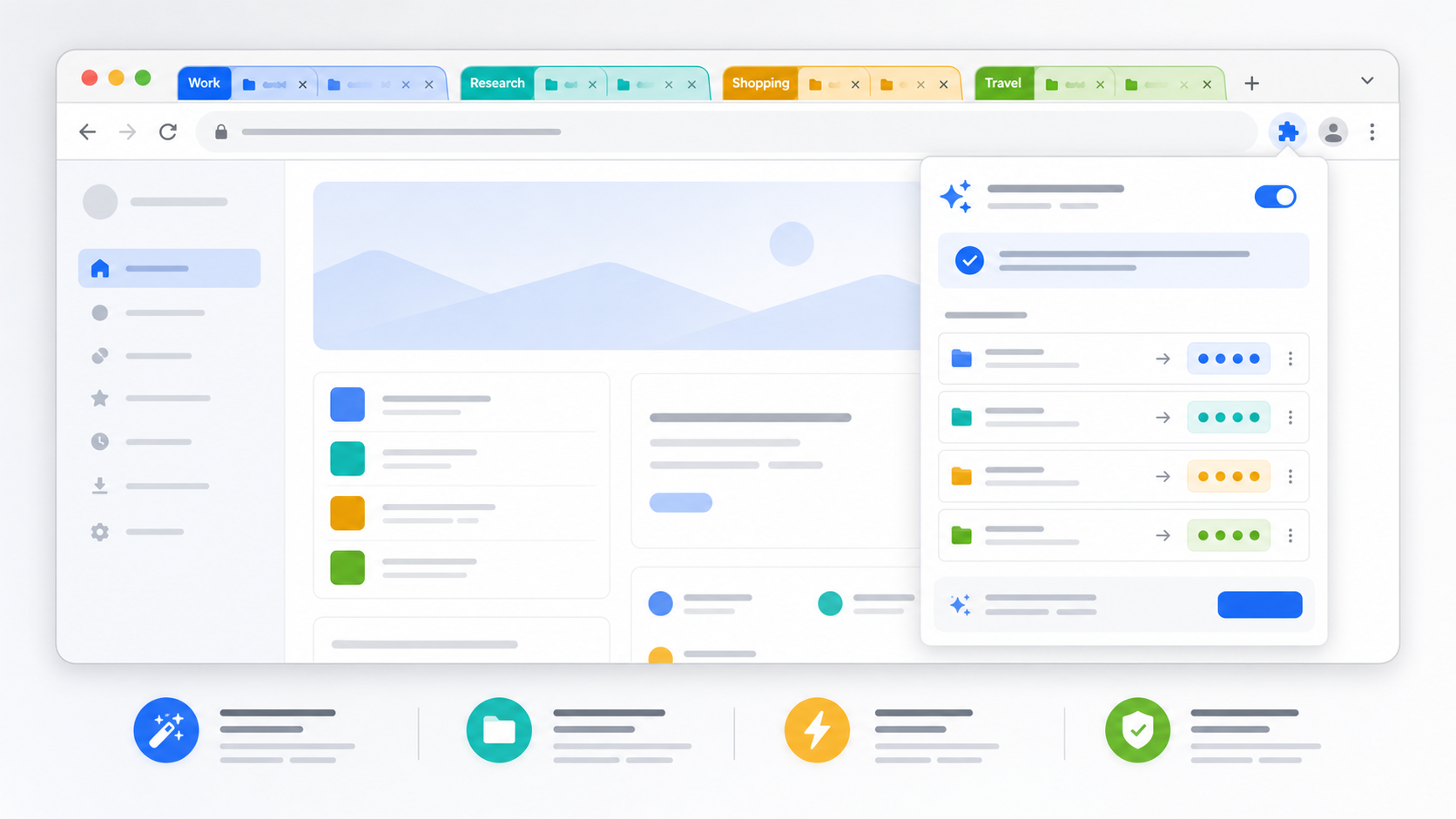
Turn repeat browsing patterns into rules for tools, docs, social, reading, shopping, or project work.
- Domain, title, URL text, and regex matching
- Chrome native tab groups
Chrome tab manager for people who live in tabs
Create local rules once, let TidyTab group matching tabs automatically, stash windows for later, and keep Pro rules synced across devices.
Free local tab organization. Pro adds cloud rule sync.
TidyTab is built for the daily mess: research, tools, docs, dashboards, shopping, and everything you swear you will close later.
Match domains, URL text, page titles, or regex patterns. New matching tabs move into the right Chrome group automatically.
Your local rules stay local by default. Sign in to Pro when you want cloud backup and the same rule set on every Chrome profile.
Start local, upgrade only when syncing rules across devices is worth it.
Turn repeat browsing patterns into rules for tools, docs, social, reading, shopping, or project work.
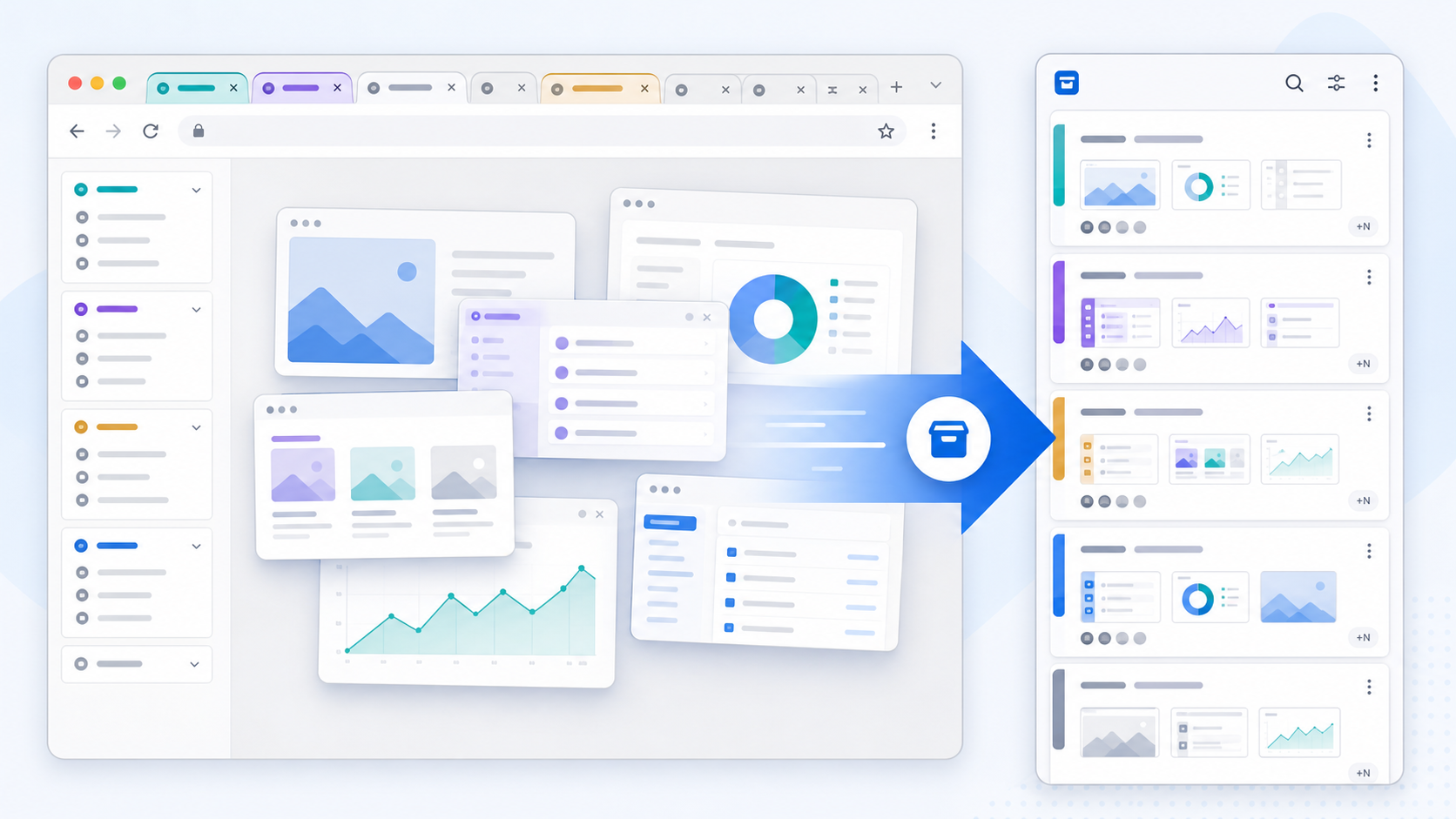
Save a window with its tabs and groups, close it, and restore it later when that context matters again.
Useful for context switching without leaving every project open forever.
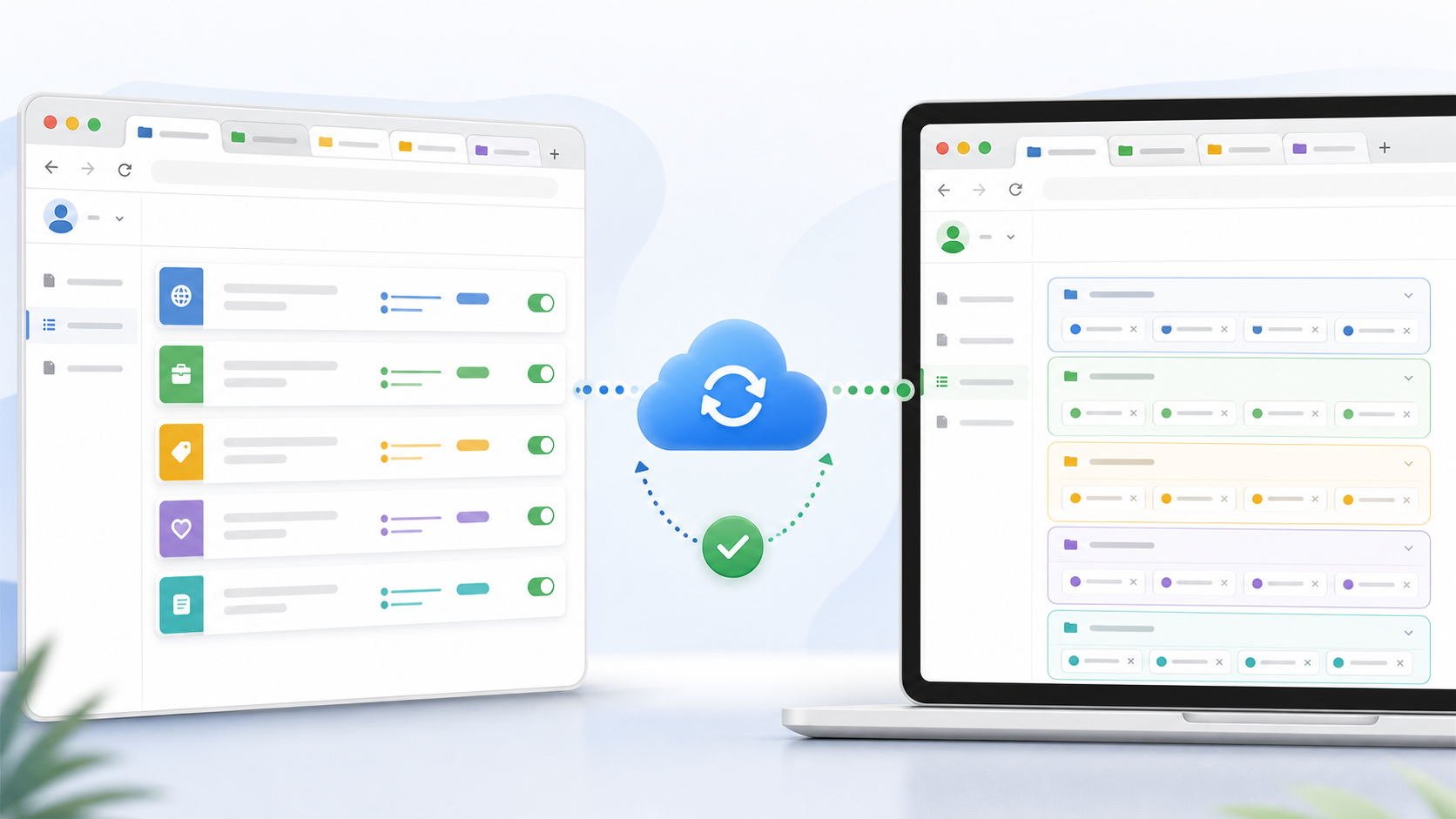
Sign in and turn on cloud rule sync when you want the same organization system on every machine.
Only rules sync in the first Pro version. Stash sync stays local for privacy.
Open pricingSmall, practical tools for keeping browser work from turning into tab archaeology.
Save an entire window, close the tabs, and restore them when you need the context again.
Pro syncs rules across Chrome profiles without moving your local stash history.
Core organization works without an account. Sync starts only after you sign in.
AI rule suggestions and richer backup tools are reserved for Pro accounts.
The more repetitive your tabs are, the more TidyTab pays you back.
Keep docs, GitHub, dashboards, staging, and logs in predictable groups.
Deep work
Stash messy research windows instead of losing the trail or keeping 80 tabs open.
Research
Group recurring SaaS tools, reports, inboxes, and admin pages without thinking.
Daily ops
Use Pro rule sync when your desktop and laptop should behave the same way.
Pro
Early copy until real user quotes arrive.
"The good part is that my browser still looks like my brain. The better part is that it now has labels."
A developer with 47 tabs
Chrome survivor
"Stashing windows is the difference between closing a project and losing it."
A founder doing three jobs
Context switcher
The short version: local stays free, cloud sync is Pro.
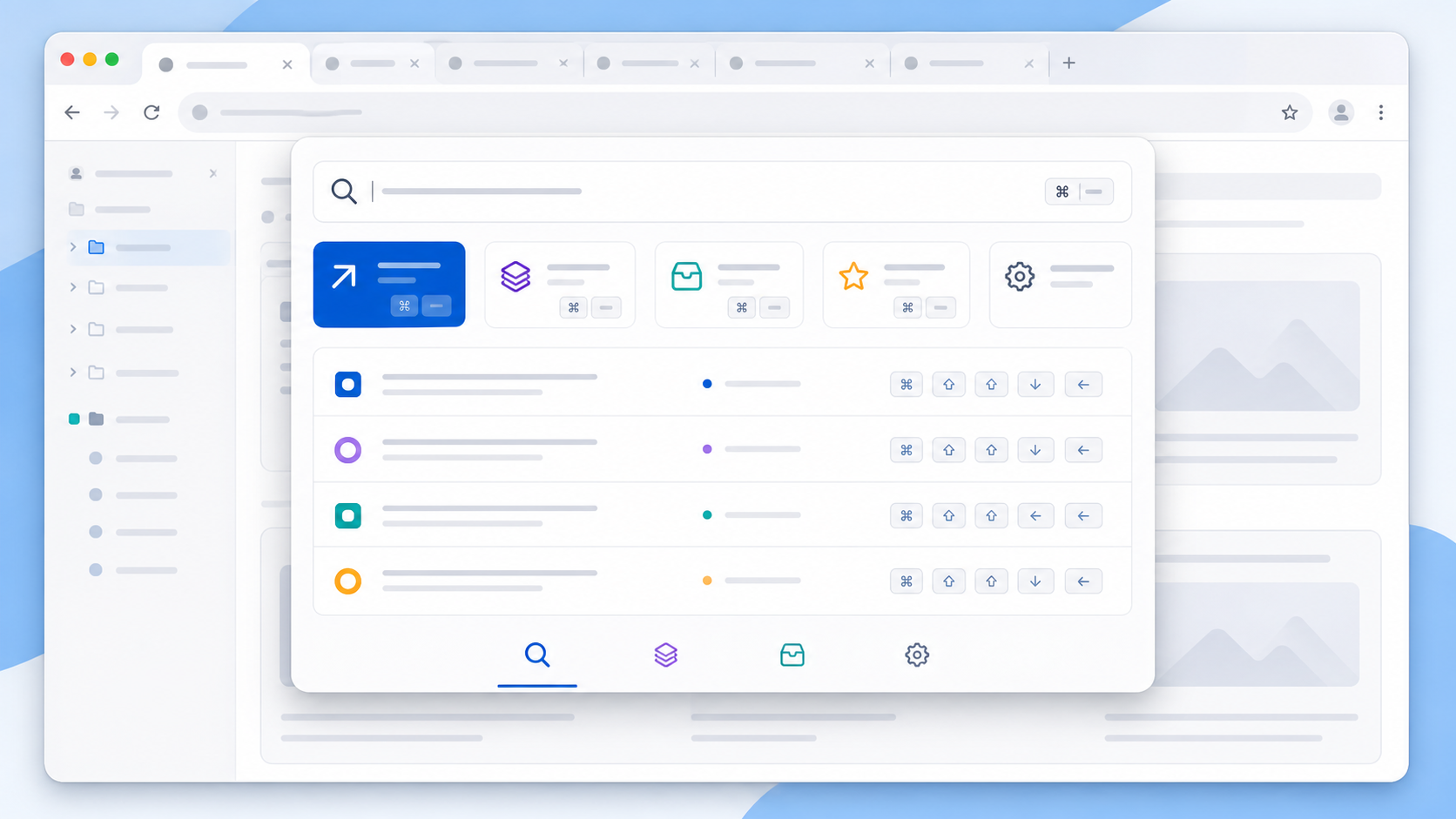
Yes. Local rules, local stash, and command search work for free without signing in.
The first Pro version syncs rules only. Stashed windows stay local for privacy.
Yes. Lifetime Pro is available for early supporters and overrides subscription status.
Polar is the default payment provider. Creem support is reserved in the backend for future use.
Start with local automation for free.
Upgrade when cloud rule sync is worth it.
Free local-first extension. Pro starts at $5.99/month.